IPTVON Compatible Devices

Stream your entertainment across television screens, media sticks, mobile handsets, tablets, and personal computers. Learn about hardware requirements and setup options below.

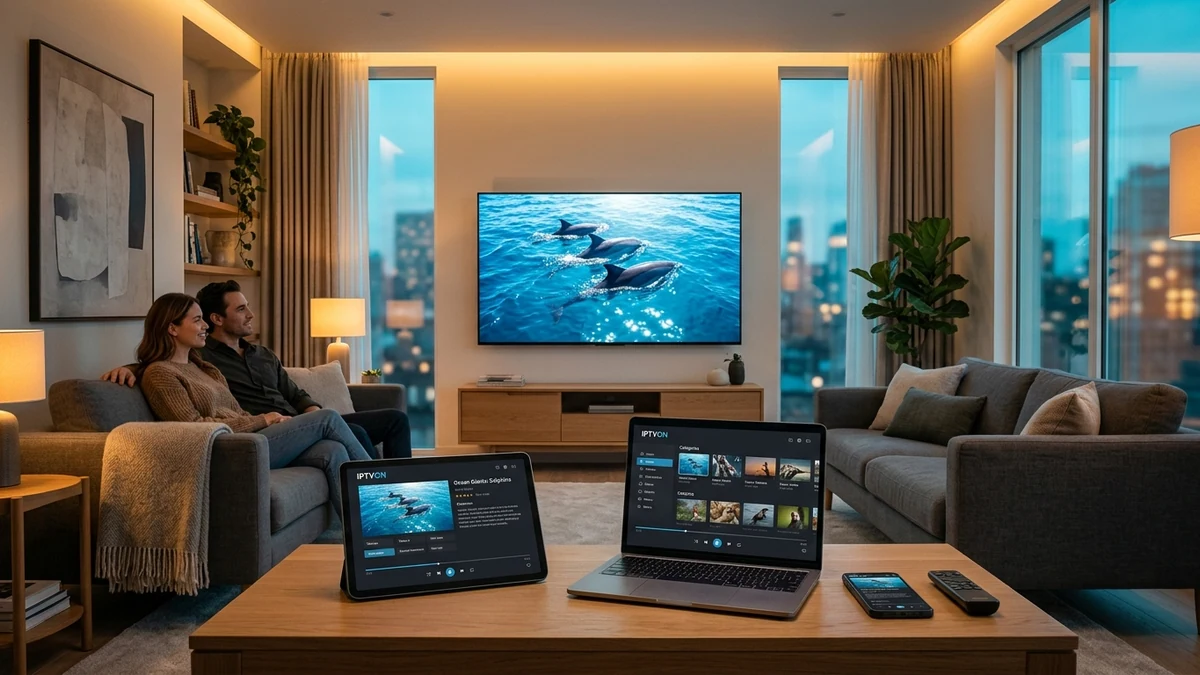
Multi-device IPTV streaming setup displaying synchronized playback across Smart TV, laptop, tablet, and mobile smartphone

Smart TV (Samsung & LG)

Smart TV Setup Guide →

IPTVON is compatible with major Smart TV platforms including Samsung Smart TVs running Tizen OS (models 2017 and newer) and LG Smart TVs running webOS (models 3.0 and newer). On Smart TVs, IPTVON is utilized through compatible media player applications downloaded directly from the official Samsung Smart Hub or LG Content Store.

Requirements

Tizen OS or webOS, active App Store account, stable network connection.

Setup Method

Install supported player app from TV store, enter IPTVON Xtream API credentials.

Network Advice

Direct Ethernet cable or 5 GHz Wi-Fi band to avoid wireless packet drops.
Android TV & Google TV

Android TV Setup Guide →

Android TV and Google TV provide one of the smoothest IPTVON experiences. Compatible devices include Sony Bravia, Philips, TCL, Hisense, Nvidia Shield TV, Xiaomi Mi Box, and the Chromecast with Google TV. These platforms benefit from full hardware-accelerated video decoding (HEVC/H.265 & H.264).

OS Version

Android TV OS 8.0 (Oreo) or newer (Google TV fully supported).

Installation

Direct install via Google Play Store or APK sideload via file transfer.

Audio & Video

Native 4K 60 FPS passthrough and Dolby Digital 5.1 multichannel audio.

Amazon Fire TV (Stick & Cube)

Fire TV Setup Guide →

Amazon Fire TV devices, including Fire TV Stick Lite, Fire TV Stick 4K, Fire TV Stick 4K Max, and Fire TV Cube, are highly recommended for IPTVON. They offer compact portability, snappy responsiveness, and native remote-control integration.

Supported Models

Fire OS 6, 7, and 8 devices (2nd Gen Fire Stick and newer).

Installation Method

Download via Amazon Appstore or Downloader app utility.

Storage Advice

Ensure at least 500 MB of free storage for EPG cache and stream buffer.

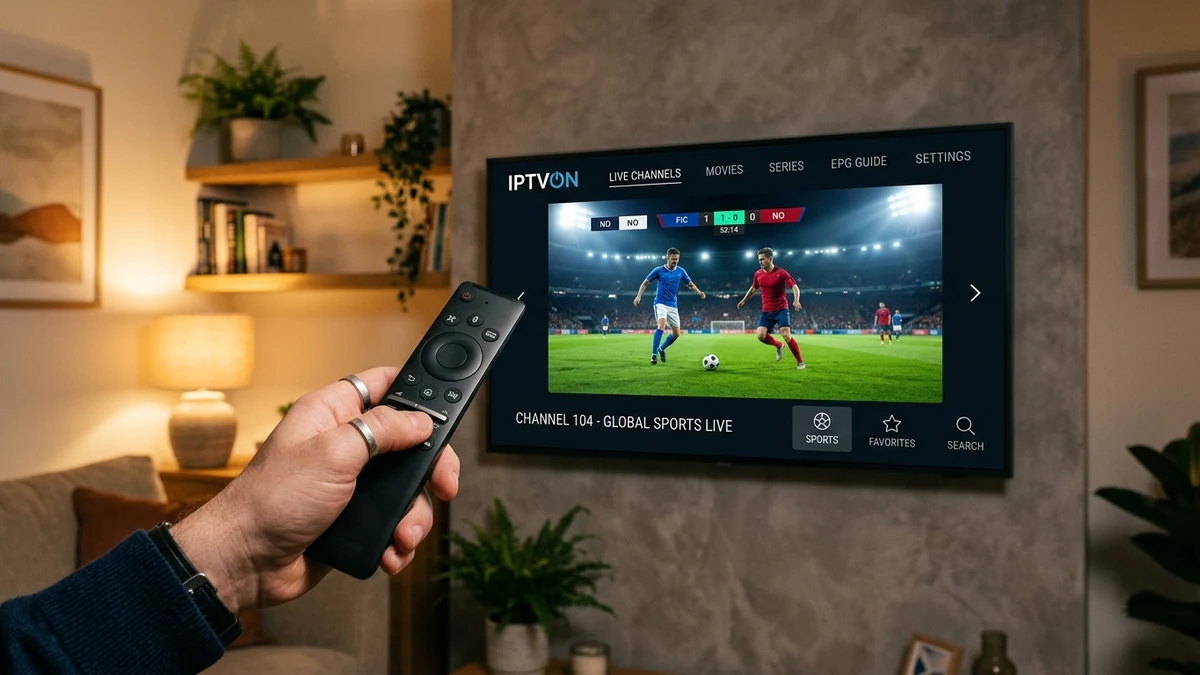
Smart TV streaming remote control pointing to an ultra-thin 4K television with IPTVON live channel interface

Mobile Devices & Tablets (iOS & Android)

Mobile Setup Guide →

Watch your favorite live streams, sports, and on-demand movies wherever you have mobile or Wi-Fi connectivity. IPTVON works fluidly on Apple iPhone, iPad (iPadOS), and Android smartphones and tablets (Samsung Galaxy, Google Pixel, and more).

Operating Systems

iOS 14.0+ / iPadOS 14.0+ and Android 8.0+.

Mobile Features

Picture-in-picture (PiP), touch-scrubbing, and background audio playback.

Cellular Data

Adaptive bitrate dynamically scales quality when streaming over 4G/5G data.

Computers (Windows PC & macOS)

Computer Setup Guide →

Stream on your desktop workstation or laptop without installing heavy frameworks. IPTVON operates on Windows 10/11 and macOS via compatible desktop player software (such as VLC or dedicated IPTV desktop applications) or web-based portals.

Compatibility

Windows 10/11 (64-bit), macOS 11 (Big Sur) or newer.

Formats Supported

M3U playlist link, local .m3u8 files, or Xtream API credentials.

Network Interface

High reliability via Gigabit LAN Ethernet connection.

Need detailed instructions for your specific model?

Our step-by-step setup guides cover application installation, configuration, and troubleshooting for every supported hardware device.