Hardware Acceleration
Direct integration with device video decoders (MediaCodec, VideoToolbox, and DXVA2) offloads decoding to the GPU, preventing overheating and lag.

A lightweight, hardware-accelerated media player engine engineered specifically for rapid stream switching, responsive TV remote navigation, and uninterrupted 4K streaming.
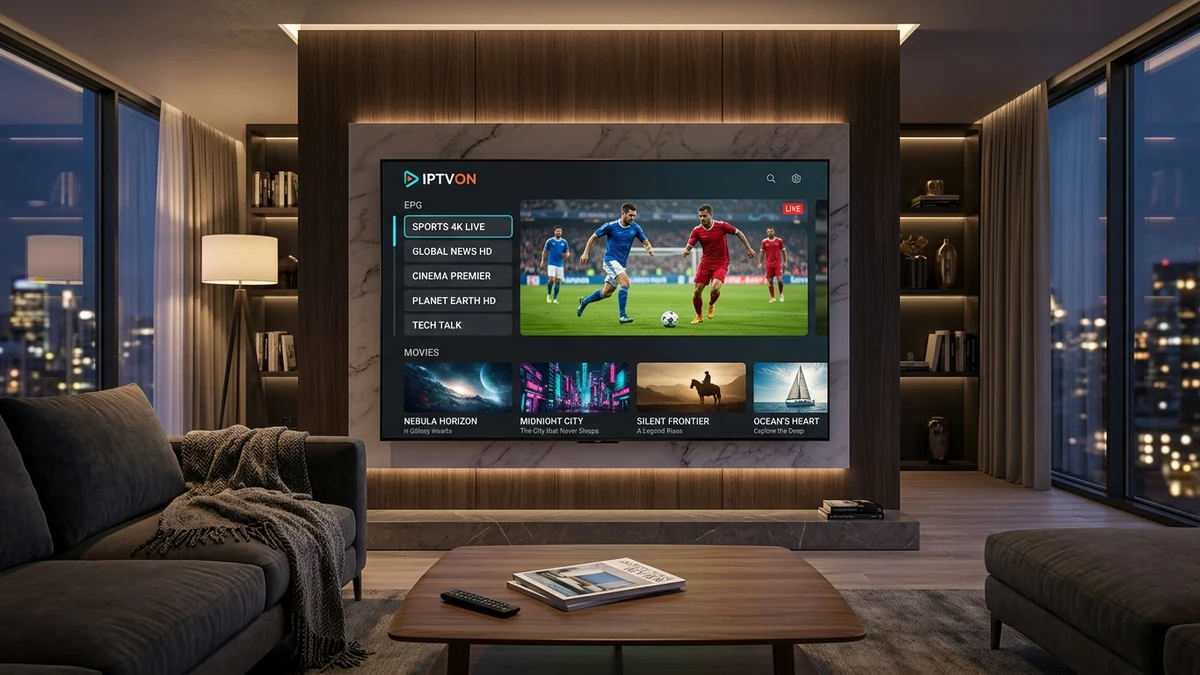
The IPTVON player is crafted to optimize system memory and GPU hardware decoding, ensuring ultra-smooth performance even on compact streaming sticks.
Direct integration with device video decoders (MediaCodec, VideoToolbox, and DXVA2) offloads decoding to the GPU, preventing overheating and lag.
Connect your account using structured Xtream Codes credentials (Server URL, username, password) or raw M3U / M3U8 playlist links with automated catalog sync.
Rapid background parsing of XMLTV schedule files. View multi-day program grids with real-time channel progress and detailed program overviews.
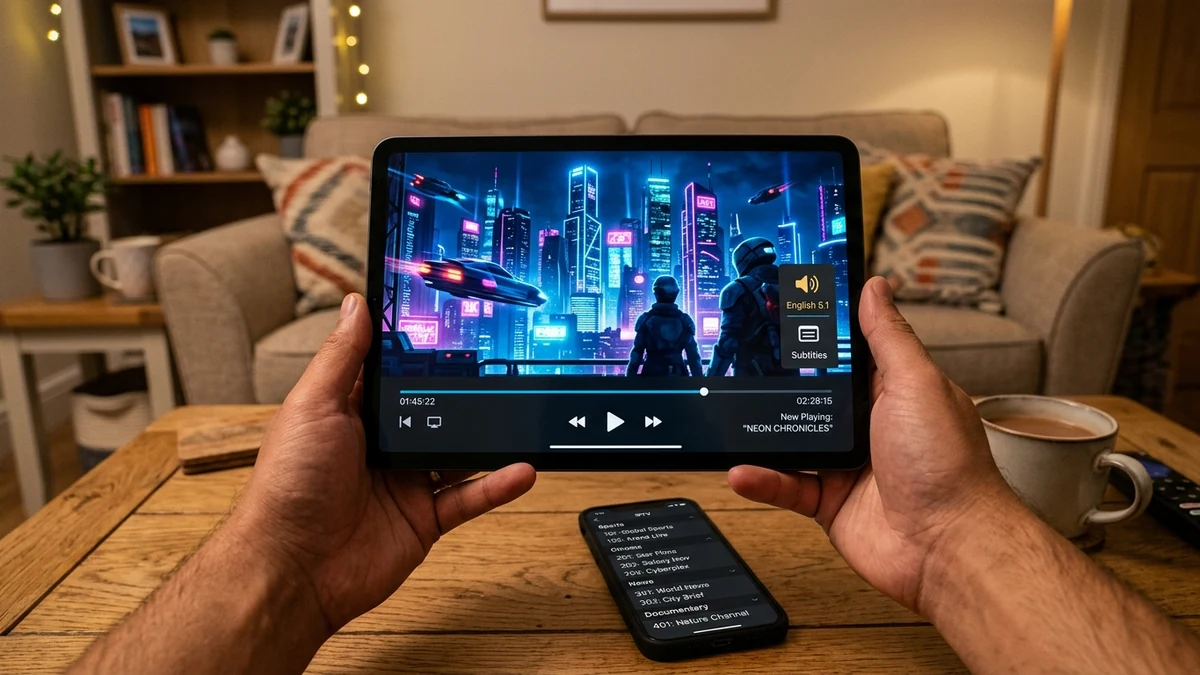
Switch on-the-fly between secondary audio languages, commentary feeds, and embedded or external subtitle tracks (SRT, SSA, VTT).
Configurable buffer window settings (0.5s up to 5s) allow users on unstable Wi-Fi networks to prioritize smooth continuity over zero latency.
Lock sensitive channel categories or content folders with a secure 4-digit PIN to ensure safe family viewing on shared living room displays.
Under-the-hood compatibility for audio, video, and container standards.
| Category | Supported Formats & Standards |
|---|---|
| Video Codecs | H.264 (AVC), H.265 (HEVC), VP9, AV1 (on supported hardware) |
| Audio Codecs | AAC, MP3, AC3 (Dolby Digital), EAC3 (Dolby Digital Plus), DTS Passthrough |
| Streaming Protocols | HLS (HTTP Live Streaming .m3u8), MPEG-TS (.ts), MP4, MKV |
| API Interfaces | Xtream Codes API v2/v3, M3U / M3U_PLUS playlist specification |
| EPG Format | XMLTV (GZ compressed and raw XML) |
| Subtitle Engines | DVB Subtitles, Teletext, WebVTT, SubRip (.srt) |
Four easy steps to link your credentials and initiate playback.
Download the recommended IPTV player for your platform (e.g. Fire TV, Android TV, or Smart TV).
Select "Login with Xtream Codes API" (recommended for fastest indexing) or "Load M3U Playlist".
Input your IPTVON Server URL, username, and password as provided in your activation message.
Allow the player to index channels and TV guide data, then begin watching your selected streams.
Yes. Compatible players automatically detect your GPU decoder capabilities (Hardware Decoder HW). If a specific video format causes issues, you can toggle between HW, HW+, and Software (SW) decoding inside player settings.
Yes. IPTVON supports universal industry standards. You can use standard players such as IPTV Smarters Pro, TiviMate, XCIPTV, VLC, or any application supporting Xtream Codes API or M3U playlists.
Inside the player settings, navigate to "Data Management" or "Playlist Settings" and select "Update Channels and EPG". Most modern players also perform automatic periodic updates every 24 hours.